Help and How To
Please follow the instructions below
How To Complete Relay Entry For Pembrokeshire County Champs
1. Navigate to https://relays.rar-timing.co.uk
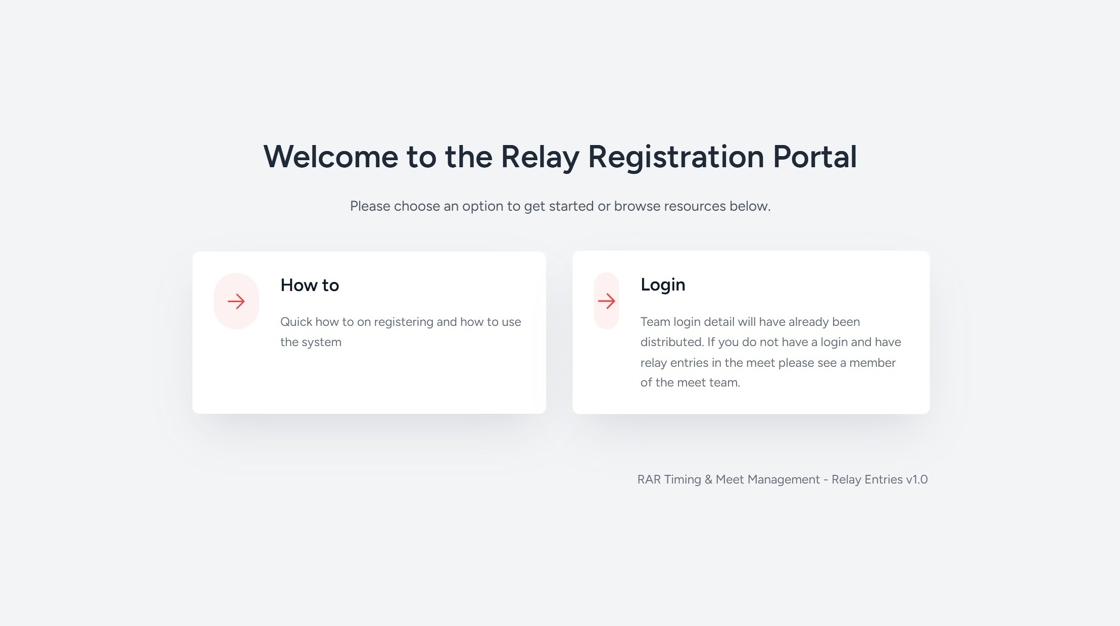
2. Click "Login"

3. Select your club from the drop down list

4. Click this password field and the password provided by the Meet Organiser

5. Click "Login"

6. Click "Complete Relay Entry Form"

7. Select the Event you want to enter the team for

8. Choose which Team you are entering A, B, etc ...

9. Now start entering your atheletes. Start at Swimmer 1 and work your way down.

10. Choose from a list of available swimmers by scrolling down the list or just start typing their name.

11. Continue until all complete

12. If your swimmer is not listed in the drop down they may be added manually.
13. Click "Swimmer not listed? Add manually"

14. Click the "First name" field.

15. Complete all details for the new Swimmer. First name, surname, Date of Birth and Membership ID
16. Click "Submit Entry"

Checking your Entries
17. Click "View Relay Overview"

18. Click "25 - Mixed 12-14 200 Freestyle
Team ..."

Tip: You can filter your entries by Gender or Event number so you can easily check who you have entered.
19. Click this dropdown.

20. Click the "Event Number" field.

21. Enter the Event Number
22. Click "Filter"
